Tally — every subscription you pay for, in one total.
Tally is a subscription tracker for iPhone. It collects your recurring services, totals what they cost this month and this year, and reminds you before each renewal.
Requires iOS 17 and a Google sign-in. No bank connection.
What Tally is
Tally is a subscription tracker for iPhone, published by Ali Aljumah. It exists to answer one question — what am I actually paying for every month?
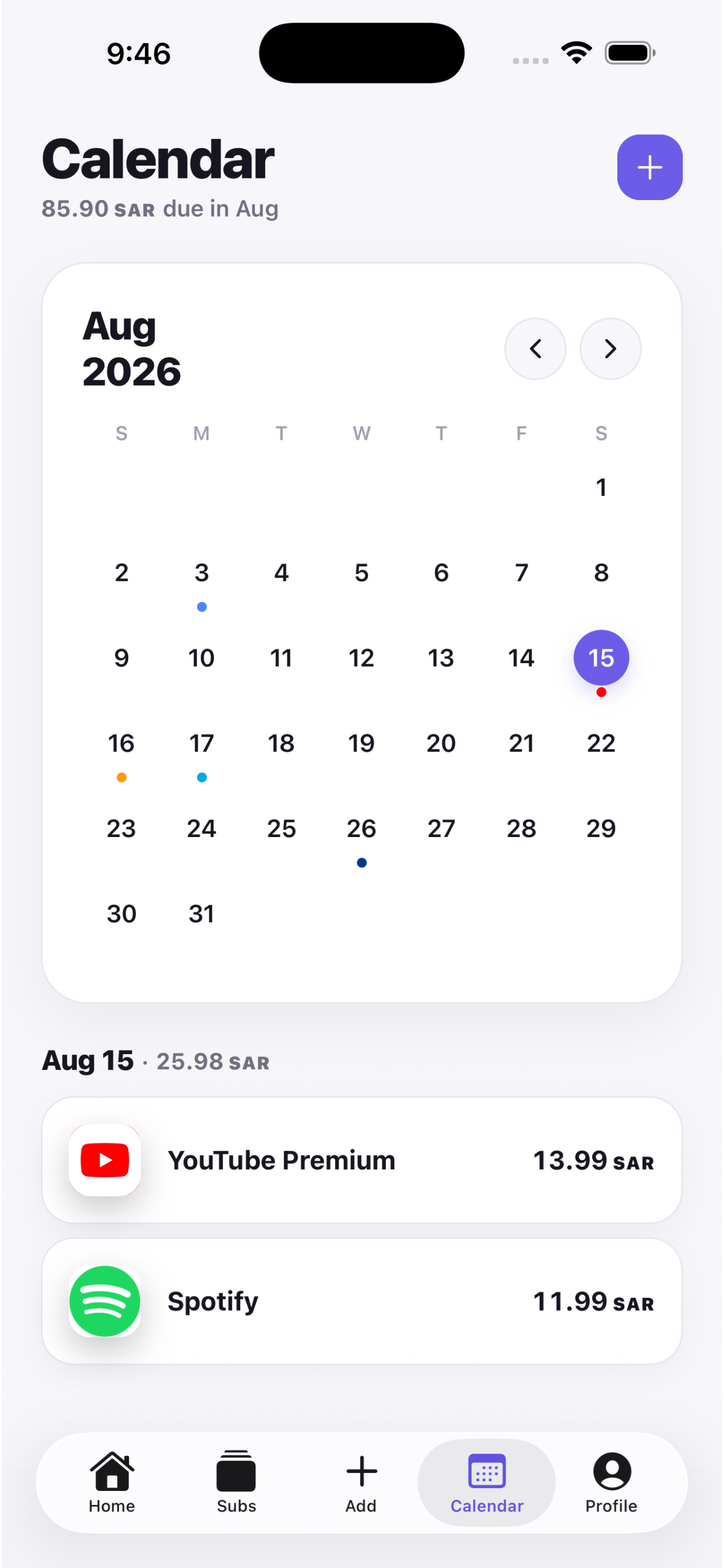
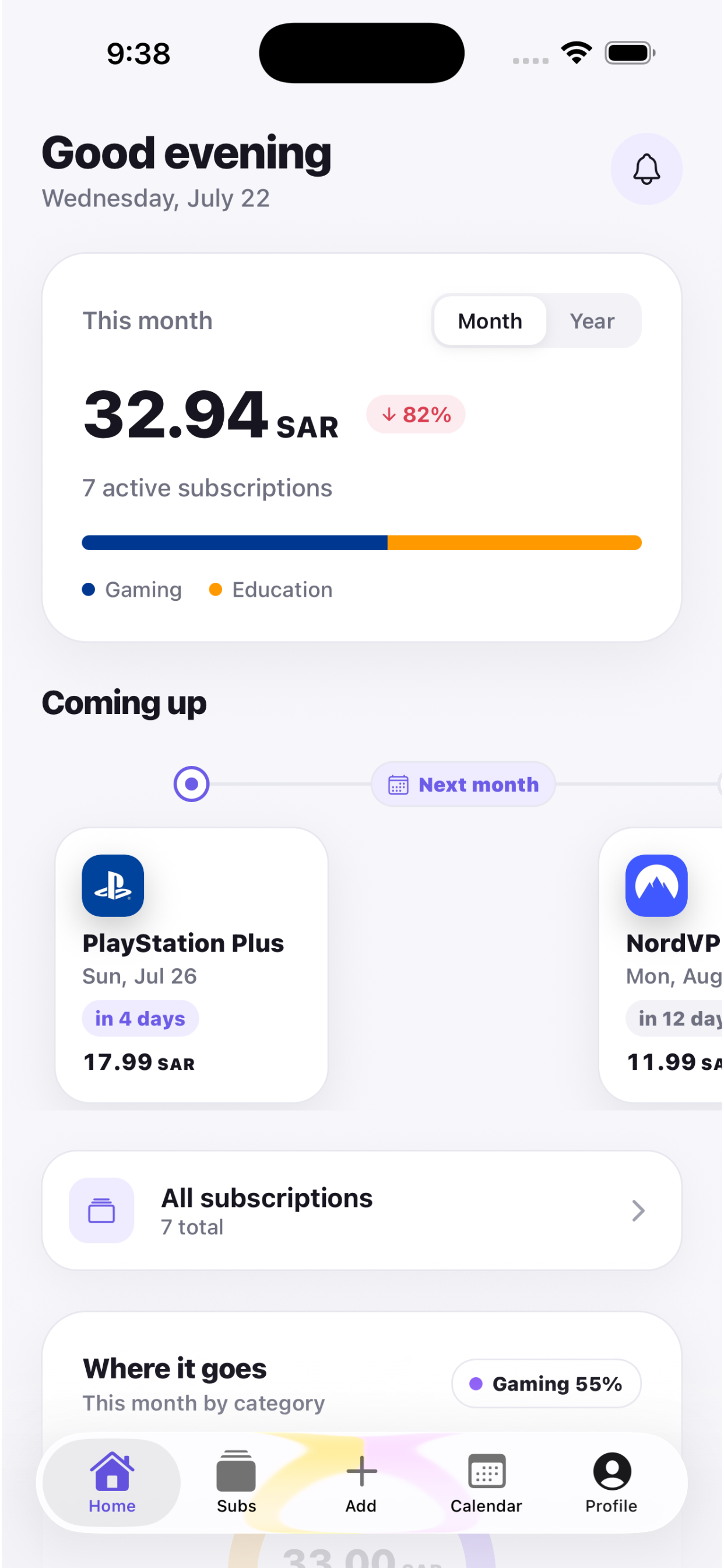
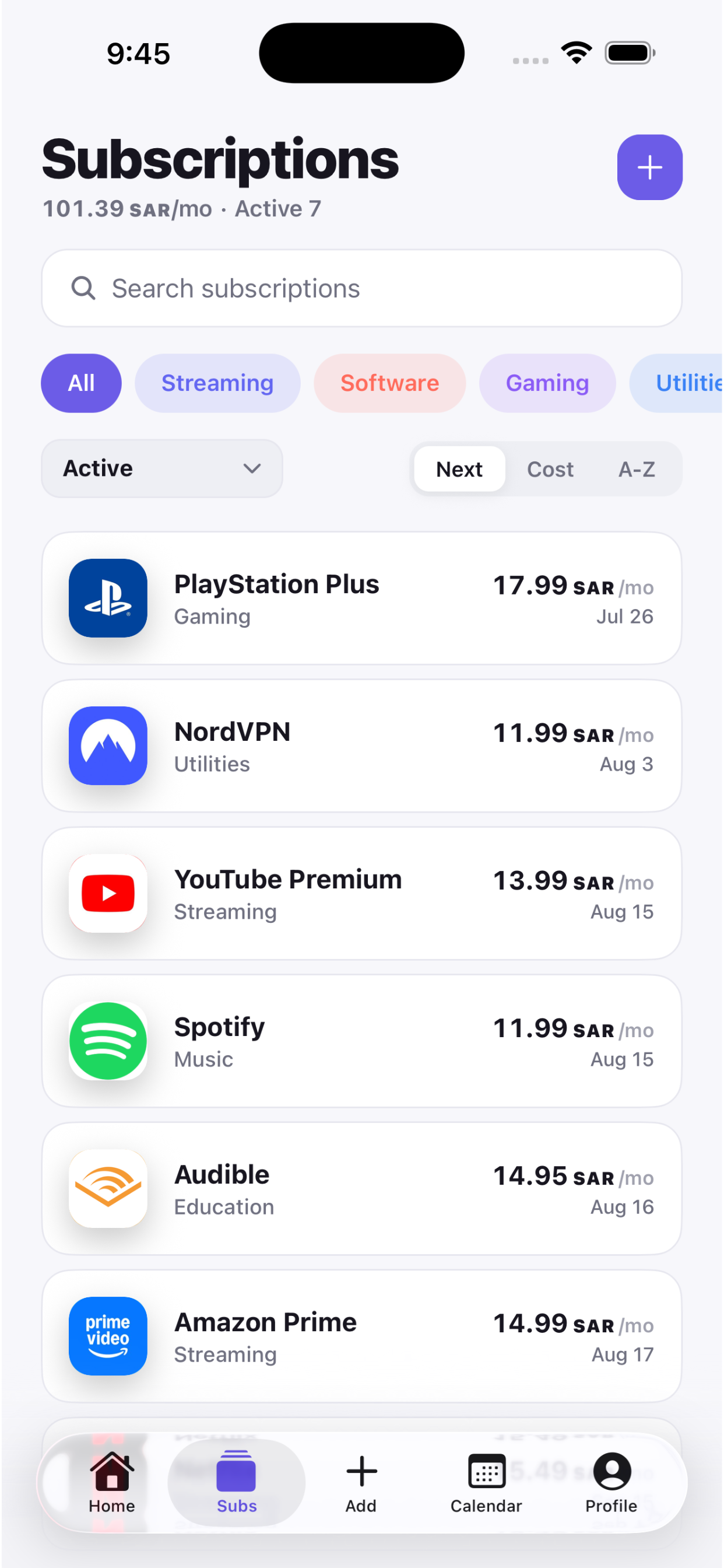
You add each recurring service you pay for: its name, price, billing schedule and category. Tally totals them for the month and the year, breaks the total down by category, lays every upcoming payment out on a calendar, and sends you a reminder before each renewal so nothing charges by surprise.
Tally does not connect to your bank and never asks for card numbers or banking credentials. Everything it shows is calculated from the subscriptions you enter yourself.
Signing in with Google
Tally uses Sign in with Google to create and secure your Tally account. Your account is what keeps your subscriptions in sync across the devices you use.
- What Tally receives. Your name, email address and profile picture from your Google account.
- What it is used for. Identifying your account when you sign in, and syncing your own subscription records to it. Nothing else.
- What Tally never requests. Gmail, contacts, calendar, Drive files, photos or location.
Tally does not sell your personal information or use it for advertising. The privacy policy sets out what is stored, how long it is kept and how to have it deleted.
What Tally keeps track of
This month and this year
One figure for the month, one for the year. Switch between them with a tap.
Renewal reminders
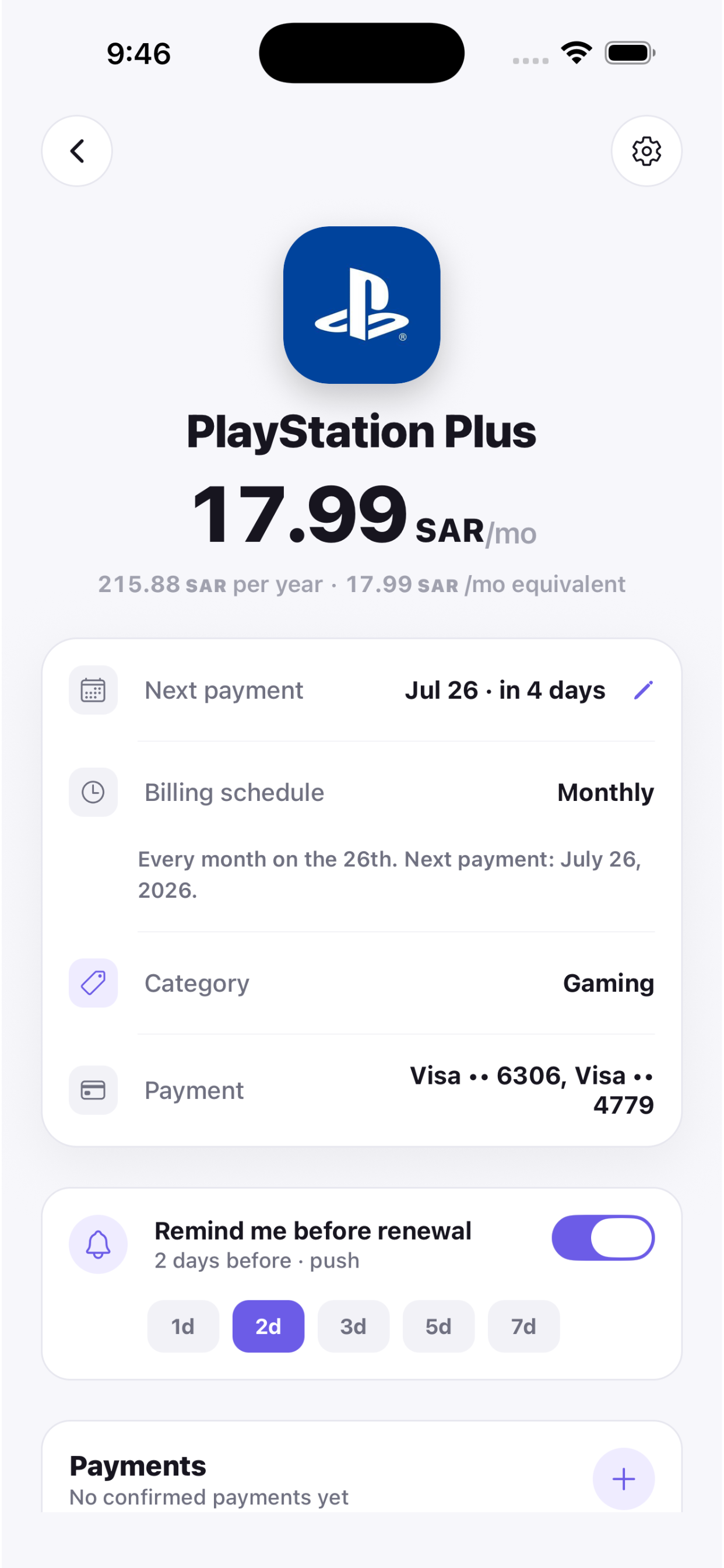
A notification one, two or three days before a payment lands. Set it per subscription.
A payments calendar
Every renewal on a month grid, dotted in each service's own colour.
Where it goes
Streaming, software, gaming, utilities, music, education — split by category.
Any currency
Each subscription keeps its own currency code, so SAR and USD sit side by side.
On every device you use
Sign in with Google once and your subscriptions follow you to every device you sign in on.
Five screens, no clutter
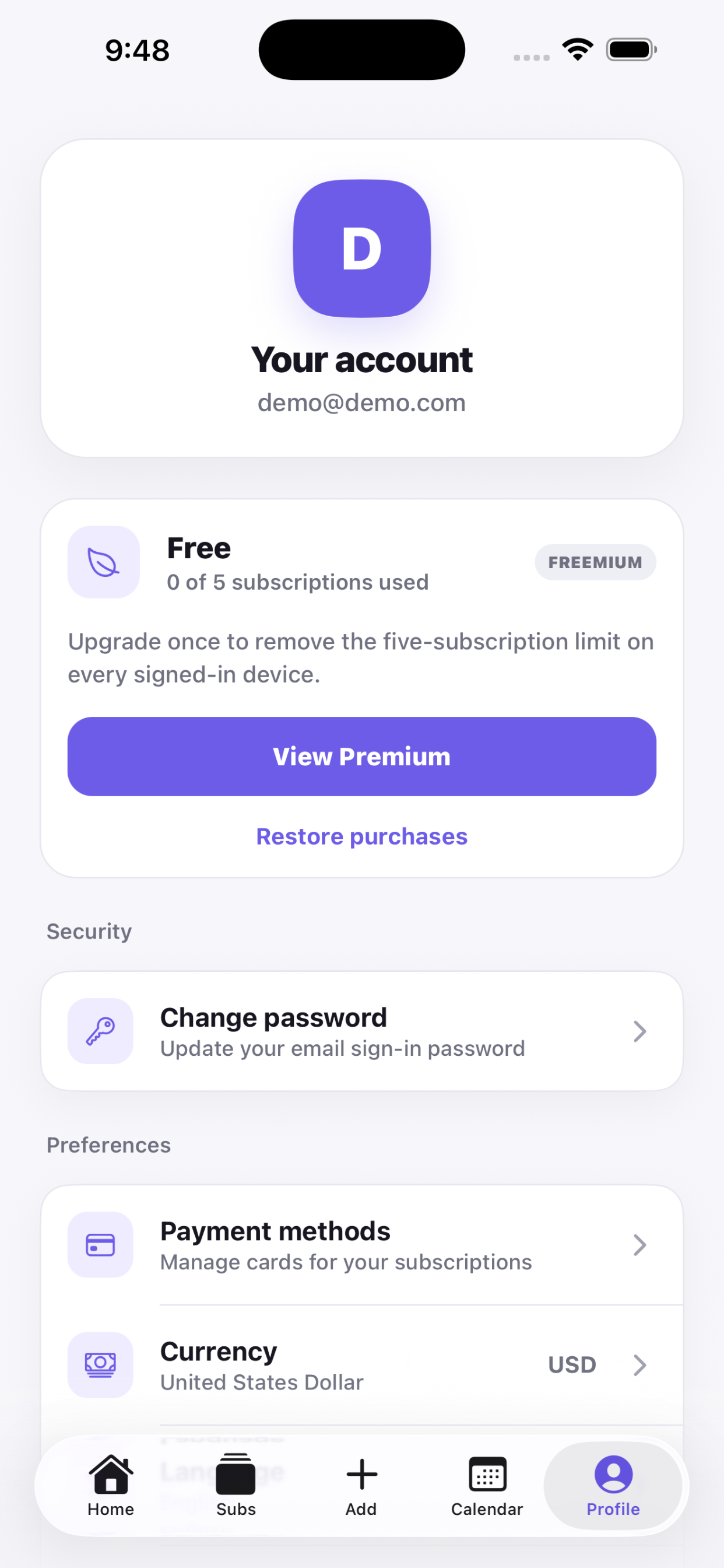
Home, subscriptions, detail, calendar, profile. Scroll the rail.
Three steps, then it runs itself
Add a subscription
Name, price, billing schedule, category. Four fields and it is in.
Tally does the arithmetic
Monthly and yearly totals, the category split, and every next payment date.
Hear about it first
A reminder two days before renewal, so nothing charges by surprise.
Does Tally connect to my bank?
No. You enter subscriptions yourself. Tally never asks for bank credentials, card numbers or read access to your statements.
Which devices does it run on?
iPhone on iOS 17 and later. An Android version is in progress.
Why does Tally ask me to sign in with Google?
Signing in creates your Tally account, which is what keeps your subscriptions in sync across your devices. Tally reads only your name, email address and profile picture from Google — never your Gmail, contacts, calendar or files.
Where is my data kept?
In your Tally account, so it is on hand wherever you sign in. The privacy policy sets out exactly what is stored and how to have it deleted.
Can it cancel a subscription for me?
No. Tally tells you what is coming and when. Cancelling stays with you and the service.
Does it handle more than one currency?
Yes. Every amount carries its own currency code, and you pick the currency your totals are shown in.
How do reminders arrive?
As a push notification scheduled on your device, one, two or three days before the renewal date you set.
Start counting what you already pay.
Sign in with Google and add your first subscription in under a minute.